bernette 79 Harry Potter
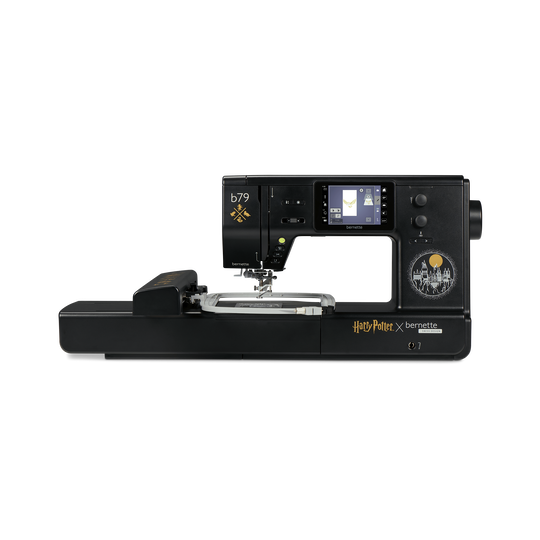
bernette 79 Harry Potter
Artikelnr. 5227900024
€ 2.299,00
Beschikbaarheid online:
  • Op voorraad

bernette 79 Harry Potter
Artikelnr. 5227900024

Productbeschrijving


Omschrijving

Betoverend naaien en borduren


Functies

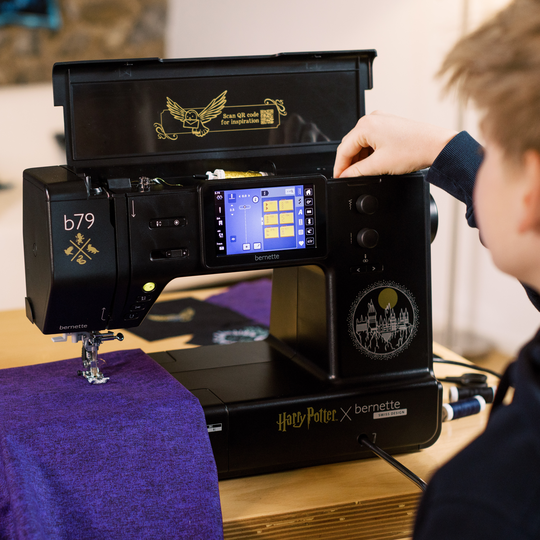
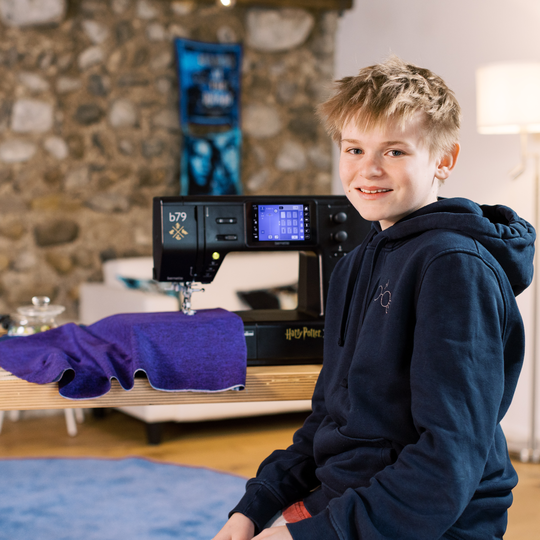
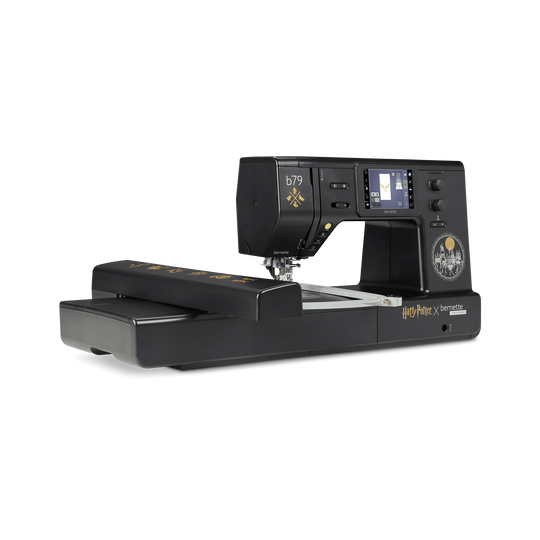
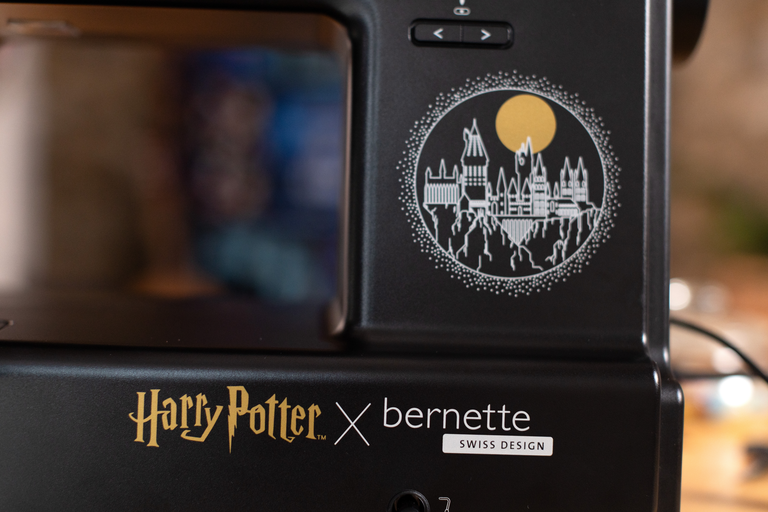
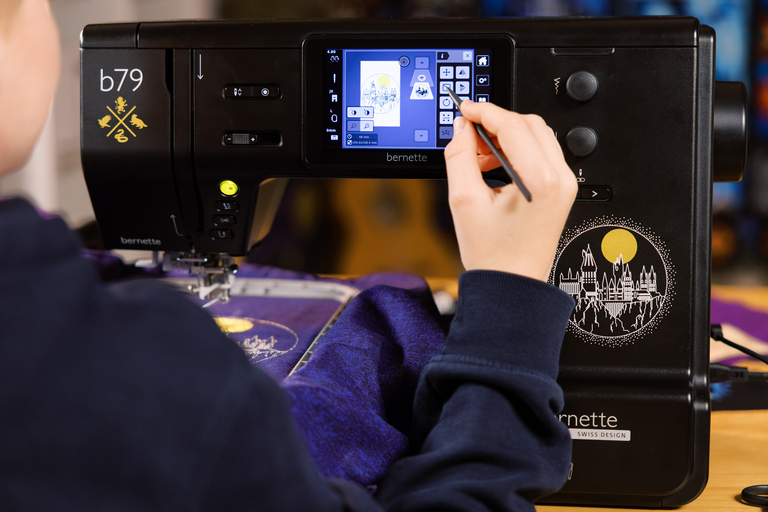
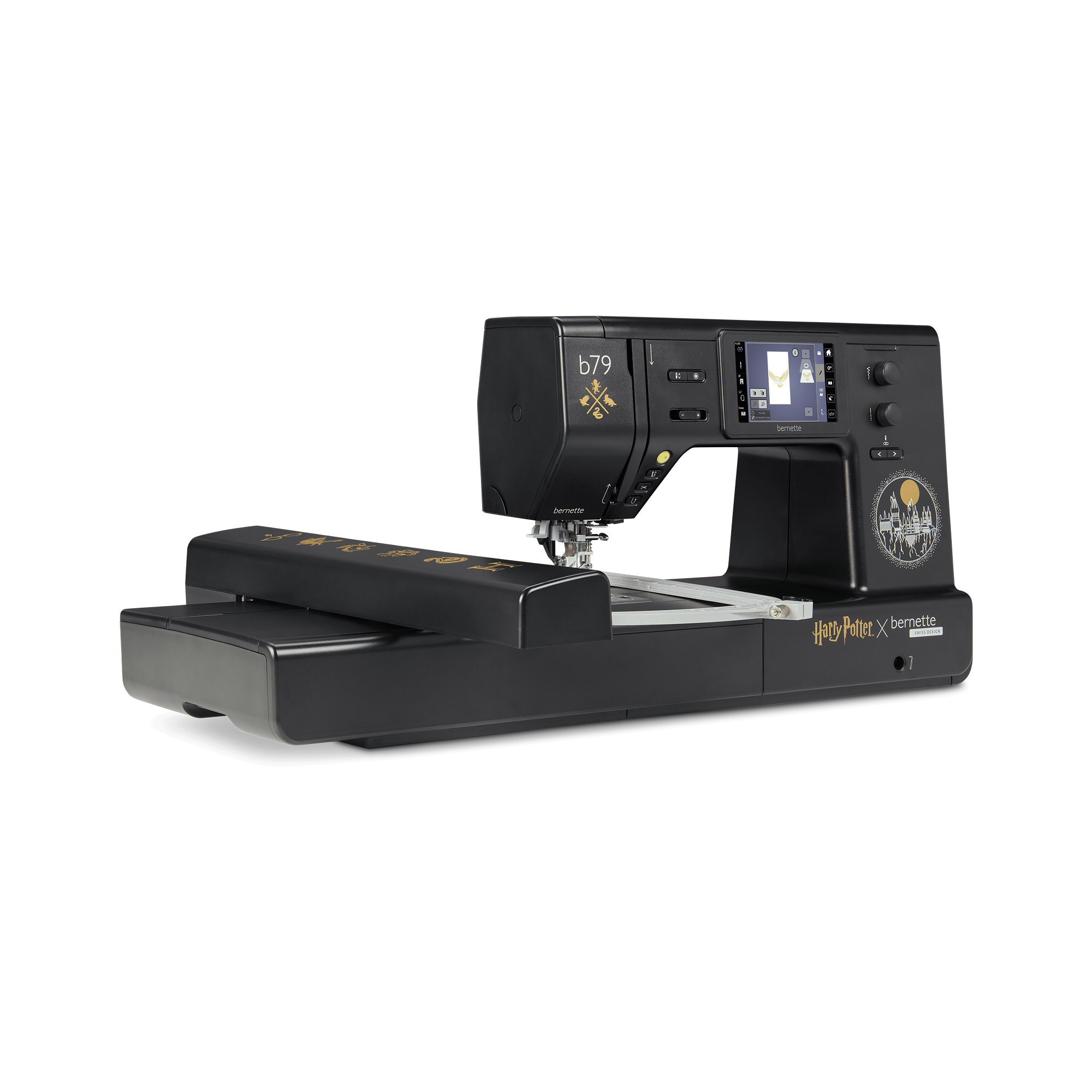
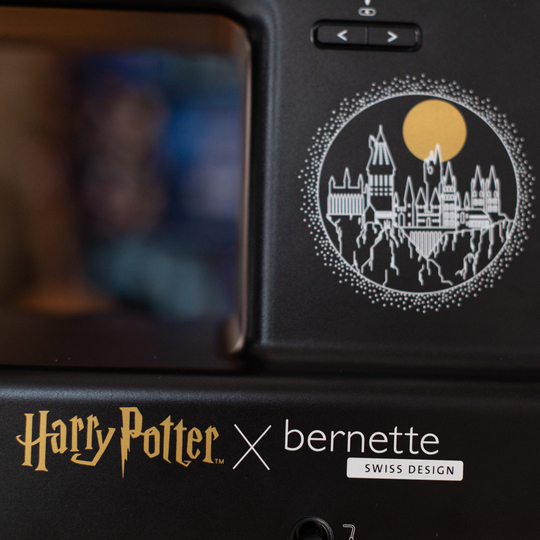
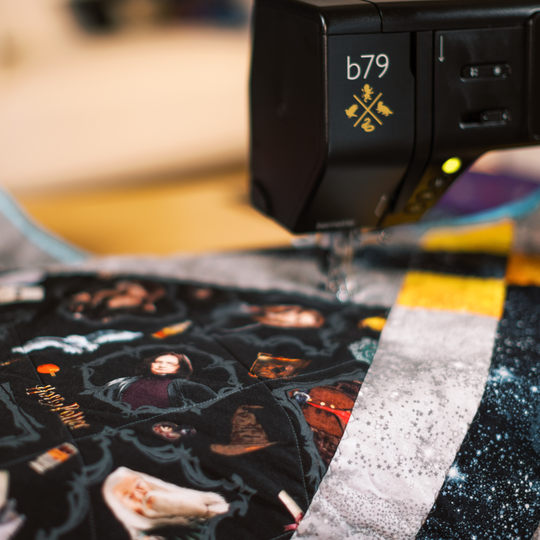
  • Machine met exclusief Harry Potter-design met leuke geïntegreerde details
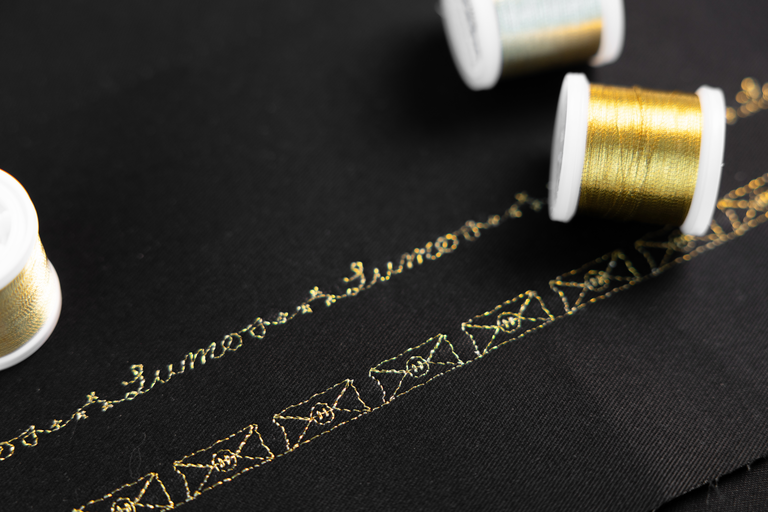
  • In totaal 500 steken, waaronder 5 exclusieve decoratieve Harry Potter-steken
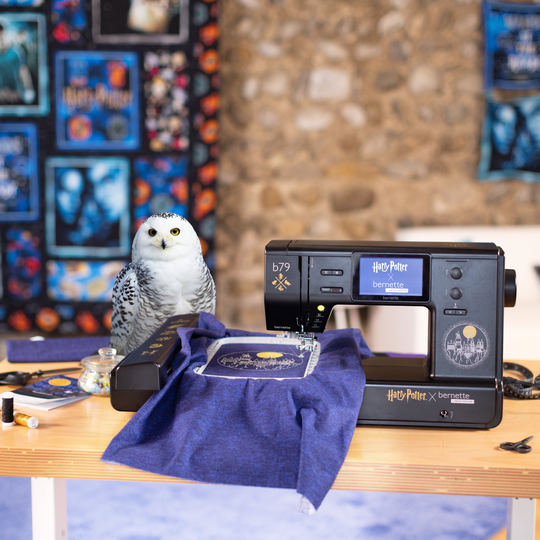
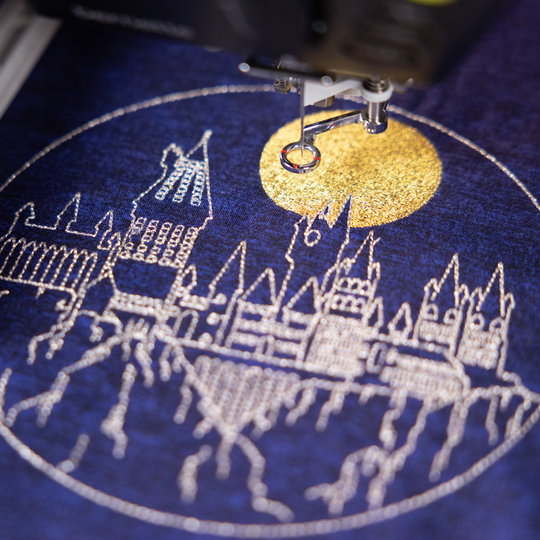
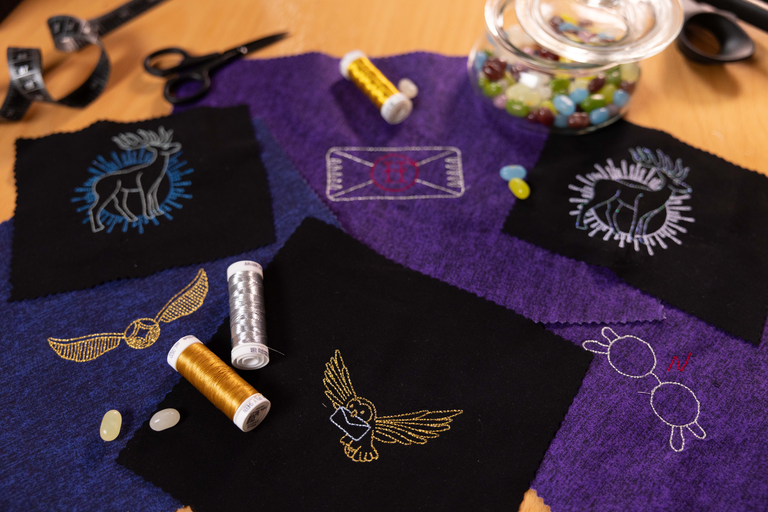
  • 250 vooraf geïnstalleerde Harry Potter-borduurmotieven met 42 Harry Potter-designs
  • Nog 10 exclusieve Harry Potter-borduurmotieven
  • Groot borduuroppervlak van 260 x 160 mm
null

Een magisch design voor echte Harry Potter-fans


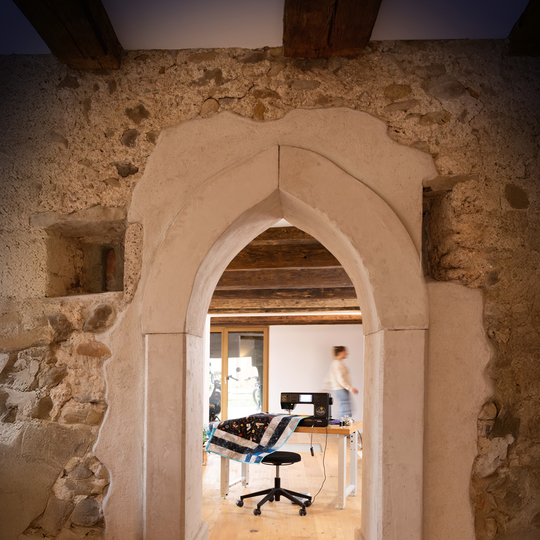
Haal de wereld van Harry Potter naar je werkplek en laat de toverkracht je bij elk project een stukje op weg helpen. Uitgekiende designdetails op en in de machine wachten gewoon om door jou te worden ontdekt.

Elke keer wanneer je met de b79 Harry Potter werkt, verdwijn je even in je eigen magische wereld. 

null

52 Harry Potter borduurpatronen


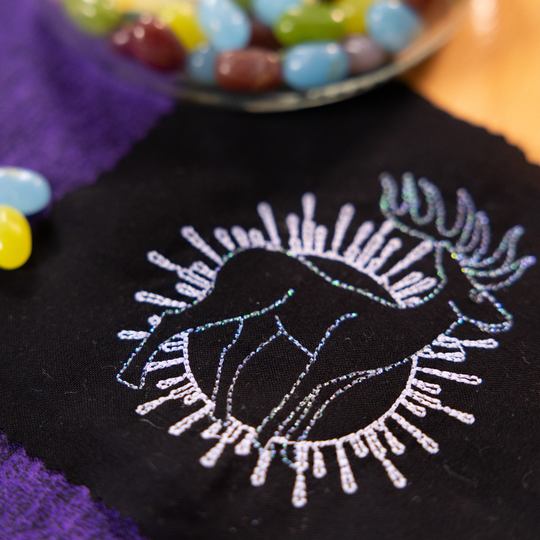
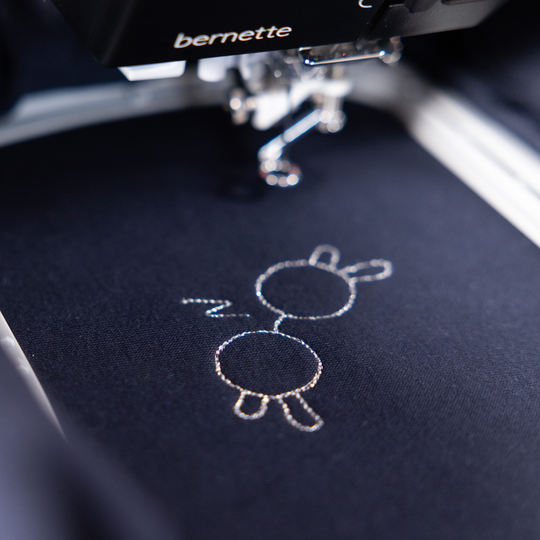
Met 10 exclusieve Harry Potter-borduurmotieven voorzie je al je projecten in een handomdraai van een vleugje Zweinstein. Hiermee geef je hoodies, shirts of decoratieve artikelen een subtiel accent met veel effect. Ook kleine projecten krijgen daarmee snel iets magisch. Deze borduurmotieven zijn exclusief beschikbaar op de bernette 79 Harry Potter en maken van elk naaiproject iets bijzonders. 
Maar de magie houdt niet op bij tien motieven. Er zijn nog 42 andere vooraf geïnstalleerde Harry Potter-borduurmotieven uit de OESD-bibliotheek beschikbaar. Dat betekent nog meer ruimte voor creatieve avonturen. 

null

52 Harry Potter borduurpatronen


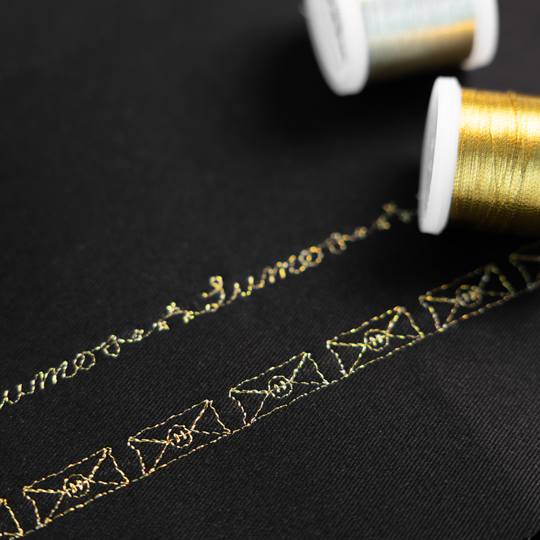
Deze vijf decoratieve steken kom je nergens anders tegen. Weer iets bijzonders dat je alleen op b79 Harry Potter vindt. Of je nu creatieve zomen tevoorschijn wilt toveren, randen wilt accentueren of je quilt een textuur met magisch effect wilt geven, deze decoratieve steken zijn een subtiele eyecatcher.

Op de b79 Harry Potter kun je decoratieve steken direct op het touchscreen combineren, helemaal naar jouw eigen smaak. Zo maak je van elk project iets bijzonders.

null

Creatief werken, direct op het touchscreen


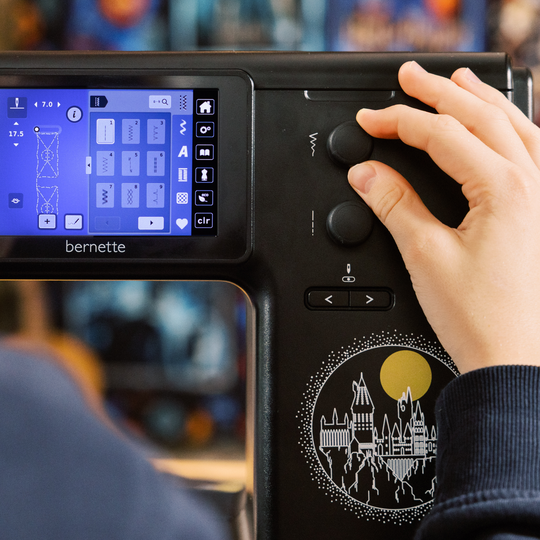
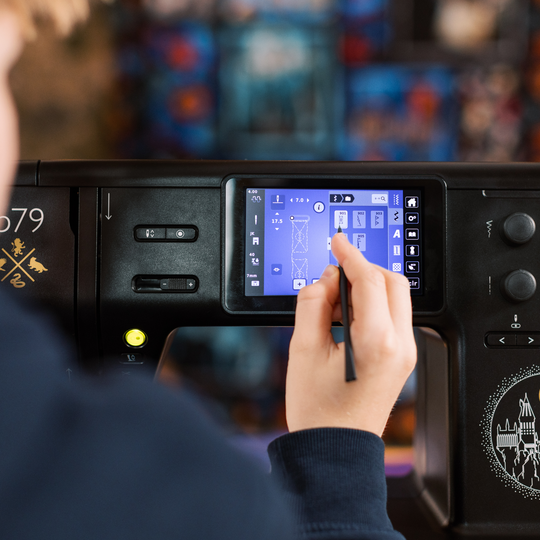
Op het 5-inch kleurentouchscreen kun je motieven en steken voor je project intuïtief bewerken. Draaien, spiegelen en combineren is kinderlijk eenvoudig, zodat je alles optimaal op jouw wensen kunt afstemmen.

null

3 borduurramen inbegrepen


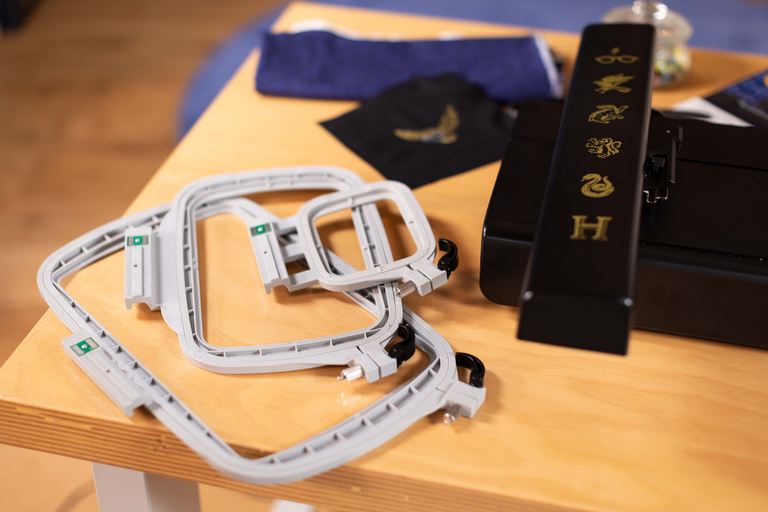
Met de borduurramen in drie maten ben je voorbereid voor elk project. Alles is mogelijk, van compacte designs tot grote motieven tot maar liefst 260 x 160 mm, inclusief automatische borduurraamdetectie direct op het touchscreen.


Features and Functions

bernette 79 Harry Potter
Belangrijk
We behouden ons het recht voor om wijzigingen aan te brengen in de uitrusting en het ontwerp.
bernette vrije-handsysteem (FHS)
Lengte van vrije arm rechts van de naald [inch / mm]
230 mm
Automatisch draadsnijsysteem (boven- en onderdraad)
bernette dubbeltransport
Schermpositie
centraal
Sensor voor steekplaatdetectie
Sensor bovendraadcontrole
Sensor onderdraadcontrole
Steekontwerper geïntegreerd in machine
Wedstrijdborduurmotieven lezen (gebaseerd op steken)
Borduurmotieven opslaan
Ingebouwde borduurlettertypes (horizontaal&verticaal=1)
6
Borduurmotief geïntegreerd
213
Instellingen - Borduren - Draadafsnijder door kleurverandering aan/uit
Aansluiting kniehendel (FHS)
Spoelas, bovenzijde machine
Nadelstopp oben/unten, permanent (oben/unten)
De transporteur valt automatisch (quilten, borduren)
Helpcenter
Instellingen - Naaien - Instellingen voetpedaal
Instellingen - Beeldscherminstellingen - Helderheid beeldscherm
bernette vrije-handsysteem (FHS)
Afmetingen van de machine L / B / H [mm]
509 200 315
Afmetingen van borduurmodule L / B / H [mm]
710 475 315
Gewicht van borduurmodule [lbs/kg]
3,650 g
Gewicht van de machine [kg]
9,800 g
Lengte van vrije arm rechts van de naald [inch / mm]
230 mm
Hoogte werkruimte [inch / mm]
125 mm
Totaal geheugen [MB]
16,000 MB
Spoelhouder [nummer]
2
Hoofdmotor, Type
DC
Hamerstand voor doorsteekkracht
Needle threading, semi-automatic
Automatisch draadsnijsysteem (boven- en onderdraad)
Adaptieve draadspanning, dynamisch
Grijpersysteem
Drop-in
bernette dubbeltransport
Opheffen van de naaivoet, automatisch
Schermpositie
centraal
Schermgrootte [inch]
5 inch
ECO-functie
Aantal LED's
4
Verlichting boven de naald
Snelheidsregelaar
Sensor voor steekplaatdetectie
Sensor bovendraadcontrole
Sensor onderdraadcontrole
USB-Anschluss (Host)
Steeklengte instellen
Motiefeinde
Steekbreedte instellen
Permanent achteruitnaaien
Motieflengte veranderen
Vervormen
Gesamtzahl der Knopflöcher
16
Knoopsgatautomaat met 3A naaivoeten (auto)
Rijgsteek nr. 21 (met bast-matic)
Bevestigingssteek (steek #5)
Naaldposities (rechts / links) [getal]
15
Memory (Kurzzeitspeicher)
Huidige steek toevoegen (persoonlijk programma)
Steekontwerper geïntegreerd in machine
Aanbevolen naaivoet (display)
Combinatie opslaan
Dubbele steek in combinatie
Naaisteken en tekens in totaal [aantal]
499
Naaivoet selecteren
Naaigids
Instellingen- Naaien - instellingen voor automatisch vastzetten
Omtrek vrije arm in naaldpositie [mm]
295 mm
Maximale naaisnelheid [spm]
1,000 spm
Naaivoetsysteem
Snap-on
pivot-/hoverfunctie
Start-/stoptoets
Achteruitnaaitoets (handbediende afhechten)
Wedstrijdborduurmotieven lezen (gebaseerd op steken)
Borduurmotieven opslaan
Laatste borduurpositie herstellen
Borduurraamherkenning
Absolute controle
Selectievakje
Rijgsteek in de borduurring / rond het borduurmotief
Controle borduurverloop
Ondersteuning voor CutWork Tool
Ingebouwde borduurlettertypes (horizontaal&verticaal=1)
6
Borduurmotief geïntegreerd
213
Verschuiven
Formaat patroon wijzigen: proportioneel (beperkt tot 80%-120%)
Stichdichte einstellen
WordArt
Combinatie van ontwerpen en belettering, borduurwerk
Garenkleuren wijzigen
Monochrom
Instellingen - Borduren - Draadafsnijder door kleurverandering aan/uit
Instellingen - Borduren - Steken handmatig/automatisch vastzetten
Maximale borduursnelheid [spm]
850 spm
Aanschuiftafel
Stofborstel
Naaldenassortiment
Net voor bovengarenklossen
Stofkap machine
Accessoirebox

Tutorials

b79 Tutorial – Stitch Designer (6/11)
https://www.mybernette.com/ ¦ With the Stitch Designer of your bernette 79 you can easily change existing stitch patterns or even create your own stitch patterns. This tutorial video will show you how to do it step by step. In the first part of the video, you'll see how to edit an existing stitch pattern in the Stitch Designer. We'll show you how to select and move the stitching points and how to add new points. Then the video also shows you how to draw a whole new stitch pattern. For straight-line patterns, you can activate a grid so that your points are automatically placed on the grid points. Of course, all stitches you have created or modified in the Stitch Designer can also be stored in the "Personal Memory" for later use.
b79 Tutorial – Stitch Designer (6/11)
b70 DECO + b79 Tutorial – Embroidering with the CutWork Tool (11/11)
b70 DECO + b79 Tutorial – Combine embroidery motifs (10/11)
b70 DECO + b79 Tutorial – Prepare for embroidery (8/11)
b77 + b79 Tutorial – Buttonholes (7/11)
https://www.mybernette.com/ ¦ Buttonholes are really easy to sew with your bernette 77 or bernette 79. You can see the necessary steps in this tutorial video. The button slides into the button holder, which is then closed together firmly. Then you attach the buttonhole foot and pull the button lever down as far as possible. Now you're ready to sew a test buttonhole on another piece of fabric. Your bernette sewing machine stops automatically when it's done. You can then carefully cut the buttonhole from both ends to the middle and check the buttonhole size. If necessary, you adjust the buttonhole length a little, then mark the position of the buttonhole on your fabric and sew the desired buttonhole.
b77 + b79 Tutorial – Buttonholes (7/11)
b77 + b79 Tutorial – Starting to Sew (2/11)
b77 + b79 Tutorial – Presser feet and their usage (3/11)
https://www.mybernette.com/ ¦ Which presser foot is used for which stitch? As soon as you have selected a suitable utility stitch on your bernette 77 or bernette 79, you will see in the presser foot display menu which presser foot can be used. The tutorial video shows you how easy it is to change the presser foot sole: just lift the presser foot, press on the front edge and remove the previous sole. Then you can attach the new presser foot sole so that it snaps into place. Does your selected presser foot have an opening at the back? Then engage the dual feed so that the fabric can be guided through the machine evenly from above and below. In the video, we also show you the different presser feet and their special applications: There is the zigzag foot DA, which is suitable for most sewing. The embroidery foot JK is for applications and decorative stitches. Also, there is the zipper foot RB, the buttonhole foot RJ, the button sewing foot RC, a blindstitch foot DM for barely visible hems, the overlock foot and the embroidery foot RX for freehand embroidery and darning. Additional presser feet are available as optional accessories.
b77 + b79 Tutorial – Presser feet and their usage (3/11)
b77 + b79 Tutorial – Combining stitch patterns (5/11)
https://www.mybernette.com/ ¦ With your bernette 77 or bernette 79, you can combine different letter and decorative stitch patterns and then have them stitched in one go as a stitch combination. In this tutorial video, you'll learn how to easily select and edit the stitch pattern you want to use. You can sew your stitch pattern once or even several times. Securing stitches are added automatically at the end. In your "Personal Memory", your collected pattern combination can also be stored permanently. This will allow you to recall and reuse your saved combination at any time.
b77 + b79 Tutorial – Combining stitch patterns (5/11)
b70 DECO + b77 + b79 Tutorial – bobbin winding and threading (1/11)
https://www.mybernette.com/ ¦ Before you start your new sewing or embroidery project with your bernette 70 DECO, b77 or b79, you first need to wind and insert the bobbin and thread the machine. In this tutorial video, we'll show you how easy it is. All you have to do is insert the spool and secure it with the appropriate spool cap. In the video you can see exactly how to guide the thread along the dashed markings through the hole in the bobbin. Then you can start winding the bobbin. If desired, you can adjust the bobbin winding speed. Afterwards, the video shows you how to insert the bobbin the right way and thread the upper thread using the needle threader.
b70 DECO + b77 + b79 Tutorial – bobbin winding and threading (1/11)
The new bernette 70 Series - lots of features at an attractive price
https://www.mybernette.com ¦ Do you want to get creative and sew your own clothes, quilts, or accessories or individually decorate with embroidery? Then the models in the bernette 70 Series are just right for you! They are easy to use, have lots of functions, have a high stitch quality, and are also durable and attractively priced. You have the choice of a sewing machine, an embroidery machine, or a combined machine that can do both. Experience creative sewing enjoyment at the highest level.
The new bernette 70 Series - lots of features at an attractive price